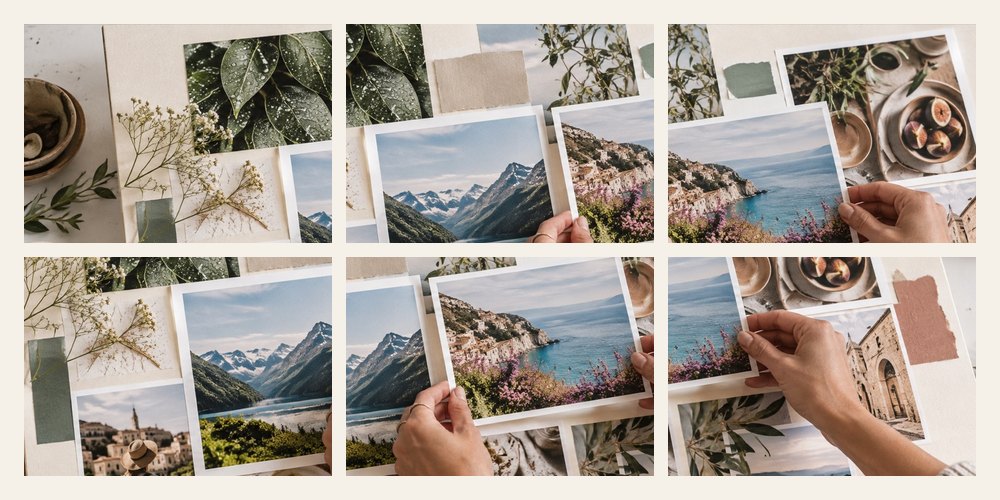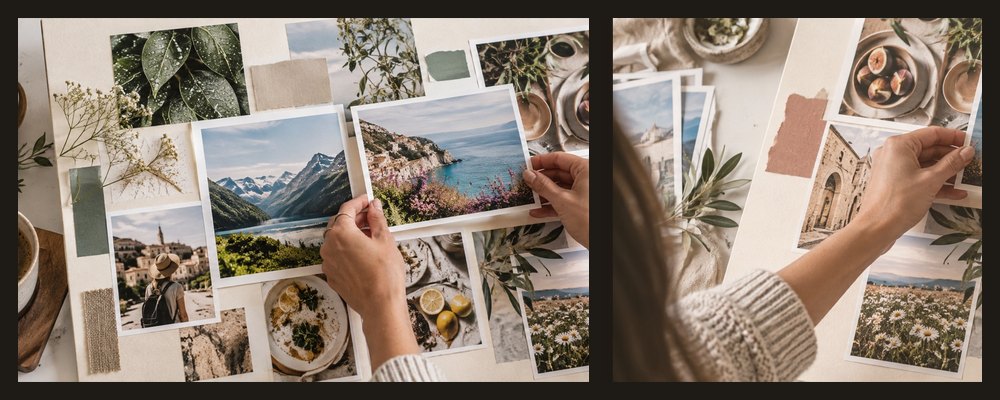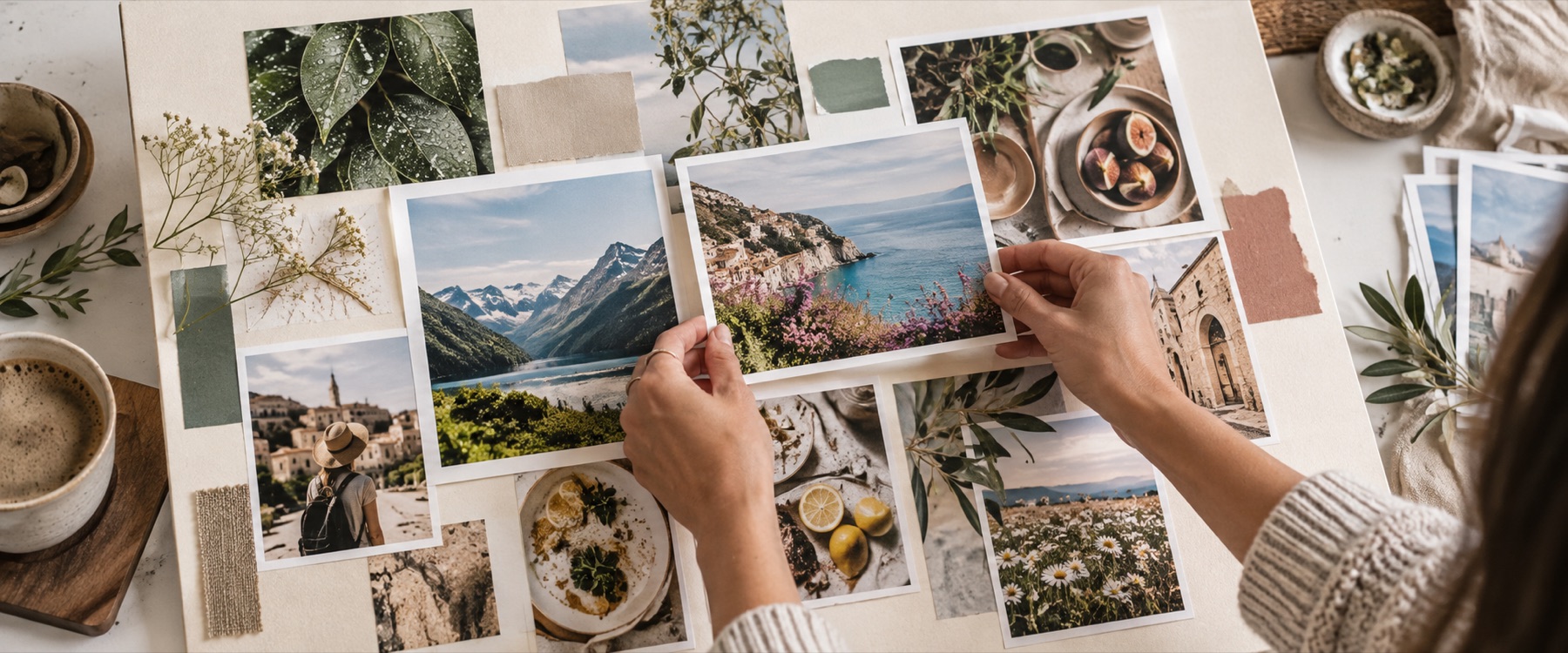
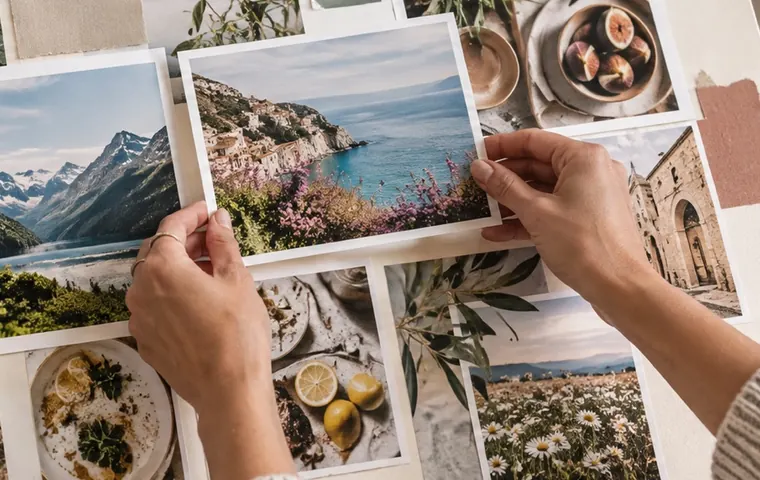
A vision board collage: your photos land on a linen-paper background, tilted a few degrees like prints pinned to a board, and your goals sit between them as words. It opens at a desktop wallpaper size; switch to a phone or a print size whenever you like.
A worked example: six photos at 1920 × 1080
What goes on the board
- Photos. Scattered, never more than 6° off straight, keeping clear of the edge.
- Words. One text frame per line; Devanagari works in the sans face.
- Paper. Linen to start; cream, kraft or a plain colour in Frame look and background.
| Size | Pixels | For |
|---|---|---|
| Desktop | 1920 × 1080 | A wallpaper you see every day |
| Phone | 1080 × 2400 | A lock screen |
| A3 | 3508 × 4961 at 300 DPI | Printing at a shop |
| 18 × 24 in | 5400 × 7200 at 300 DPI | A poster |
When another mode is better
Instant-print cards with captions: polaroid collage. A wallpaper of photos only: desktop wallpaper collage maker.
Your photos never leave this device.
There are no stock pictures or stickers here — the board is made from your own photos and words.
Asked and answered
How do I add my goals?
Type them in the Vision board panel, one per line, up to eight. The first becomes a large heading; the others go on white pills around the board. Each is a text frame you can drag, turn and restyle.
What sizes can I make?
It opens at 1920 × 1080 for a desktop wallpaper. The panel switches to a 1080 × 2400 phone, A3 or an 18 × 24 in poster, laying photos and words out again; every other size is in the size list.
Can I rearrange the photos?
Yes. Shuffle gives a new scatter; any photo can be dragged, turned, resized or deleted, and the frame panel adds borders, shadows or instant-print cards.
Can I print it?
Yes. Choose A3 or the poster size and export PDF at the paper size, or PNG with the DPI written into the file.
Are my photos uploaded?
No. The board is made and saved in this tab.