Field guide
Instagram collage sizes: posts, stories, grids and covers
Every social size on this site starts from one number: 1080 pixels wide. Instagram's own help page says photos are kept at up to 1080 pixels wide; a wider file is scaled down on upload, so making it bigger only adds bytes.
01
Square post: 1080 × 1080 px. This is the one size here taken from Instagram's own help page, and the size list marks it official.
02
Portrait post: 1080 × 1350 px (4:5). It takes the most room in the feed. The 4:5 ceiling is widely documented by third-party size guides rather than the platform, so the size list labels it 'check the platform's current guidance'.
03
Landscape post: 1080 × 566 px (1.91:1), also from third-party guides. It shows smallest in a phone feed, so it suits a panorama strip more than a group photo.
04
Story or status: 1080 × 1920 px (9:16). The app lays its own profile line over the top and a reply bar over the bottom; the story mode shades 250 px at each end by default — a guideline, not a platform rule — and counts known faces inside those bands.
05
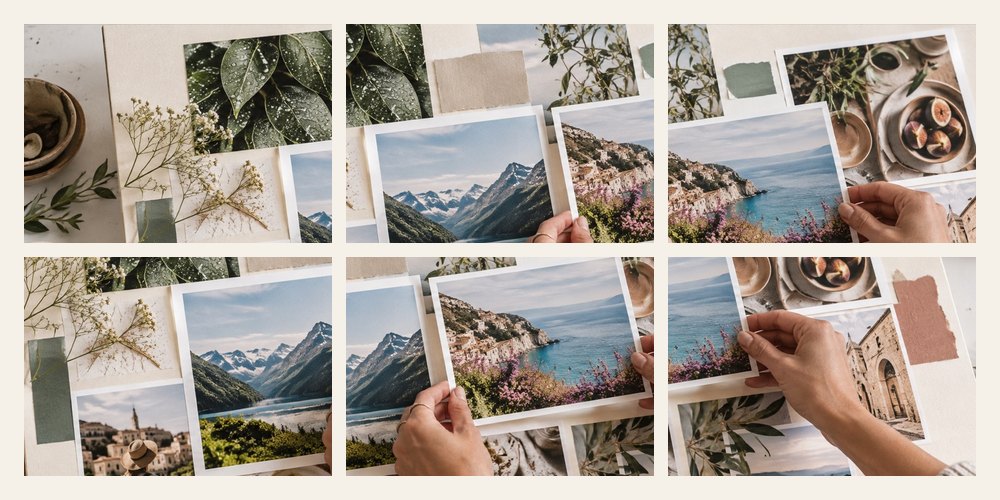
Profile grid: three posts wide. One 3240 × 4050 px board cut into nine 1080 × 1350 tiles, named in posting order — the last tile first, because the newest post shows top left.
06
Facebook cover: 851 × 315 px on a computer, made here at 1702 × 630 (the same shape at twice the pixels). The phone app shows about a 16:9 slice from the middle, so the cover mode keeps photos inside that band and marks the approximate profile-photo spot.
07
Every platform recompresses what you upload. Exporting JPEG at quality 90 to 92 keeps the file small enough that the platform's own compression has less to undo; the readout shows the size before you save.
08
None of the guides or bands are drawn into the exported file. They are on the board to look at, and the file is the whole picture.