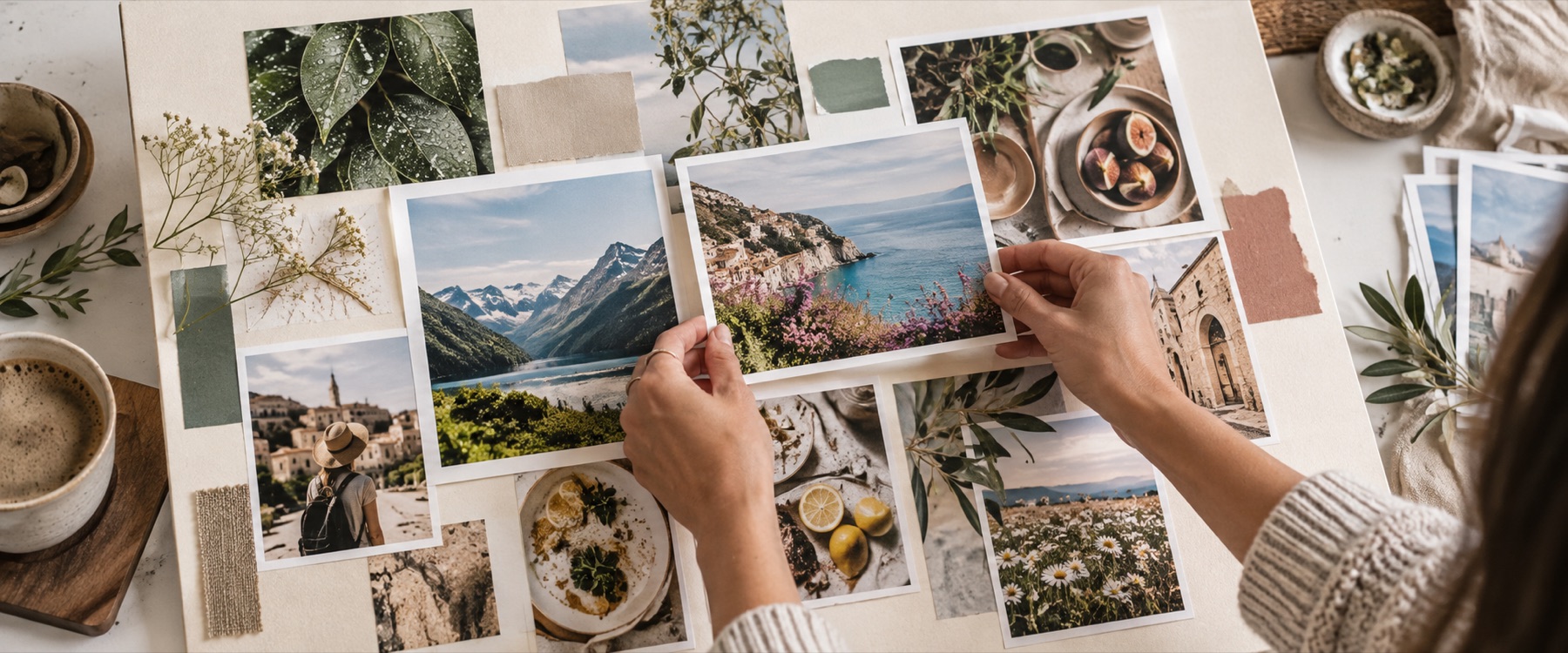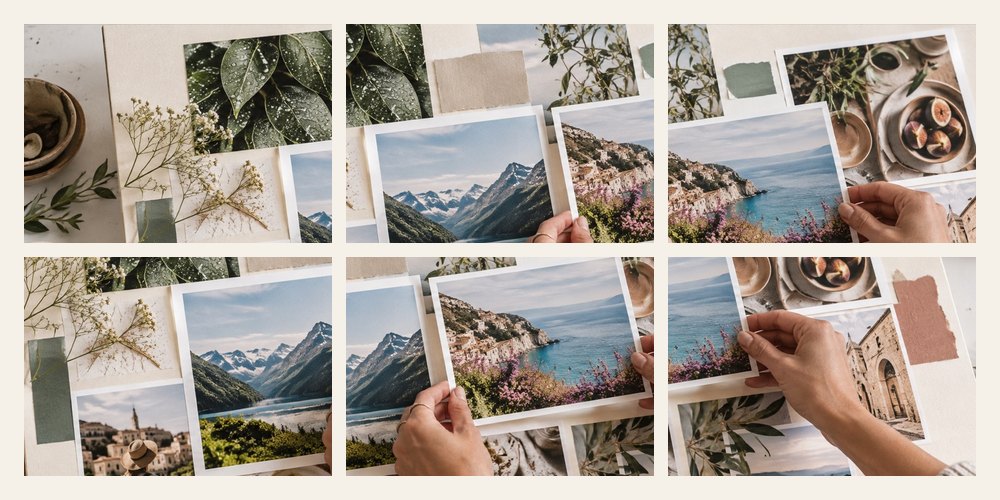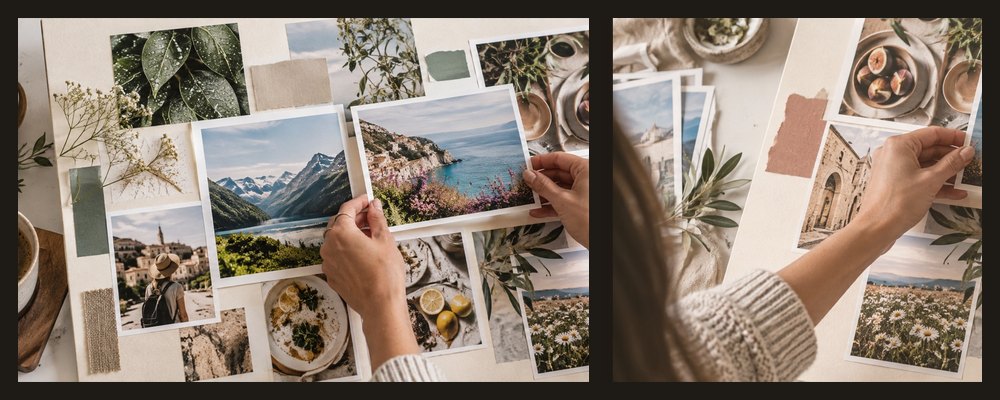

A desktop wallpaper collage maker that measures the screen you are using and opens the board at that exact pixel size, so the wallpaper fills it without stretching or cropping. For a different device, pick its size from the panel.
A worked example: five photos on a 1920 × 1080 screen
3 justified columns
94% kept
Columns of 1 + 2 + 2
82% kept
Hero on the left
78% kept
Zones to keep clear
- Phone lock screen. The top 20% for the clock and notifications, the bottom 8% for the dock or home bar.
- Laptop and desktop. The bottom 5% for a taskbar or dock.
- Guides only. Drawn on the board, never in the file; turn them off in the panel.
| Screen | Pixels | Note |
|---|---|---|
| Phone | 1080 × 2400 | A common Android size |
| Laptop | 1920 × 1080 | Full HD |
| Desktop | 2560 × 1440 | QHD |
| High-density laptop | 2880 × 1800 | A common high-density size |
When another mode is better
A tall picture for a story or status: story collage. Goals and words on the wallpaper: vision board collage.
Your photos never leave this device.
Some phones zoom or shift a wallpaper slightly when you set it (a parallax or “perspective” effect); turn that off in the phone’s settings to see the picture exactly as made.
Asked and answered
How does it know my screen size?
The browser reports the screen's size and its pixel ratio; multiplied together they give the screen in real pixels, and the board opens at exactly that. Nothing about it is sent anywhere.
Can I make one for another device?
Yes. The Wallpaper size panel lists a 1080 × 2400 phone, 1920 × 1080 and 2560 × 1440 screens and a 2880 × 1800 high-density laptop, and Turn it swaps width and height.
What are the shaded zones?
On a tall screen, the top fifth where a lock screen puts the clock and notifications and a strip at the bottom for the dock or home bar; on a wide screen, a taskbar strip. They are guidance only — every phone and desktop differs — and they are not exported.
Which file should I save?
JPEG at quality 92 is the default and is right for photos. PNG is lossless if you want it.
Are my photos uploaded?
No. The wallpaper is laid out and saved by this tab.