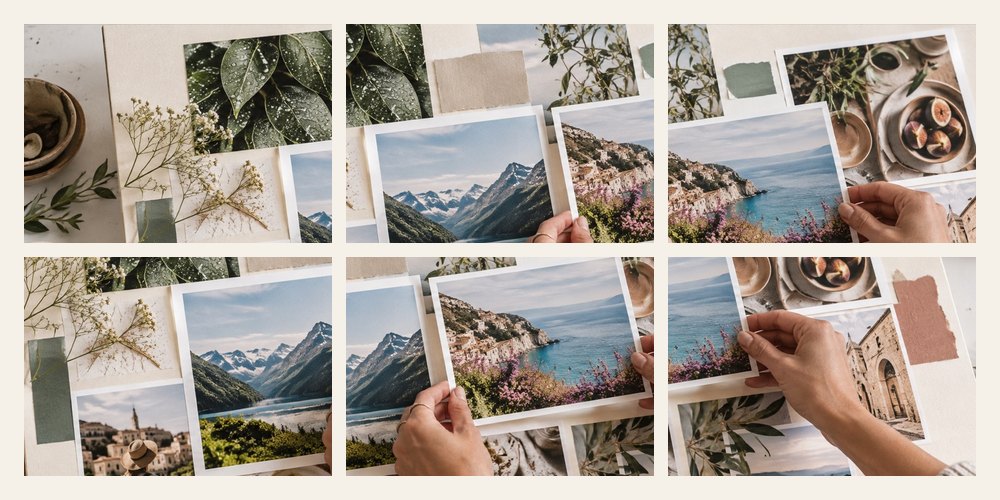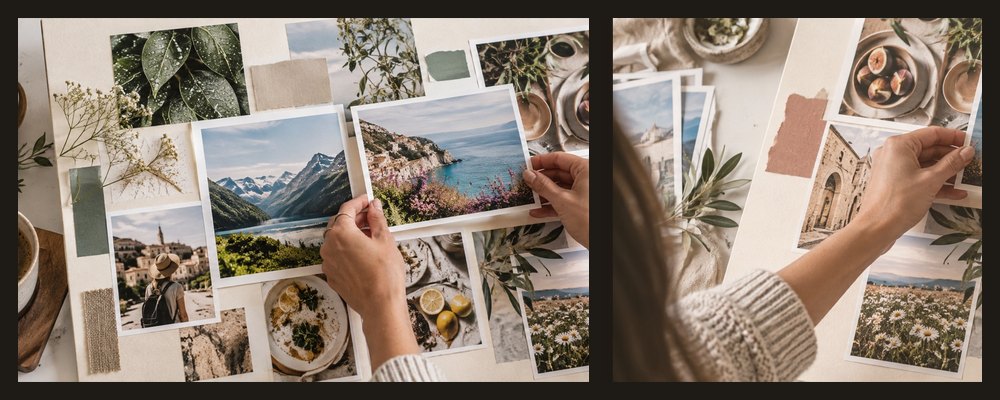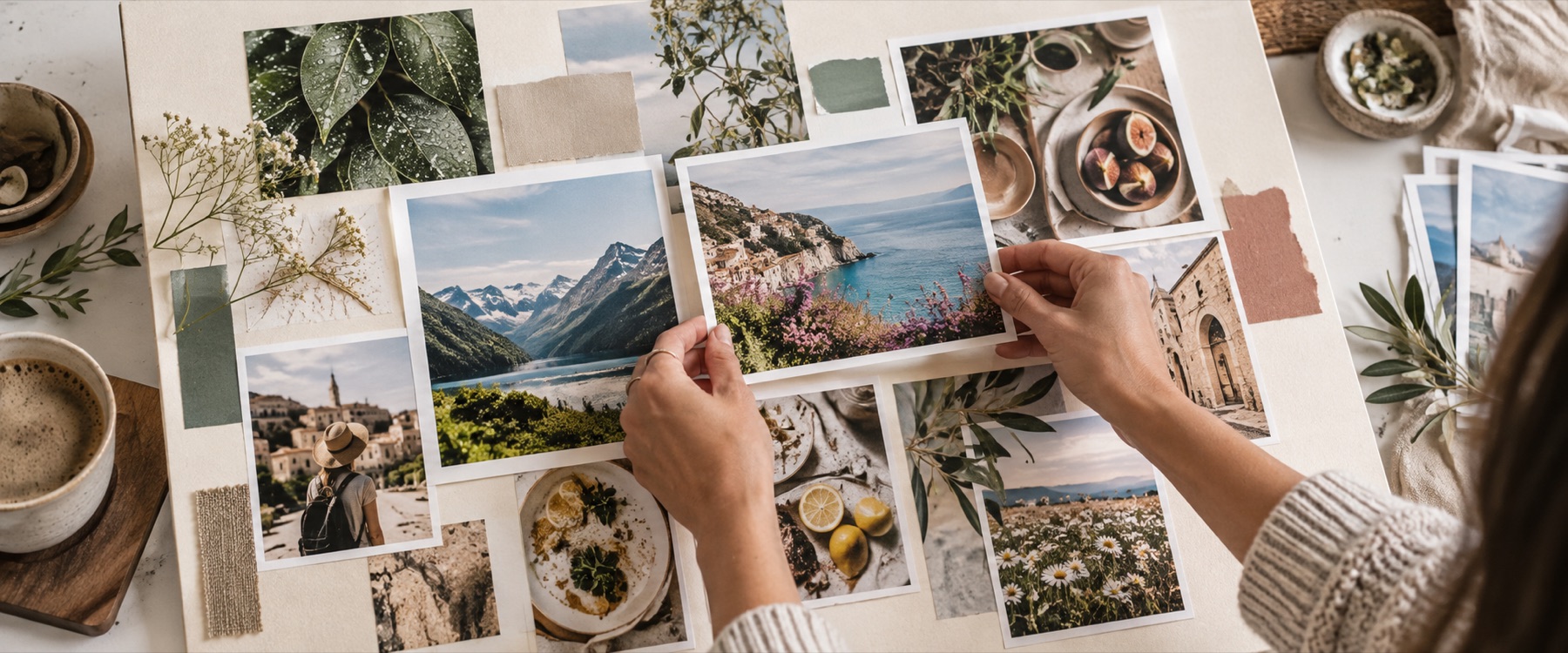
Two photos in one frame, on a 1080 × 1080 square by default: pick two photographs and the board offers every straight split for them — side by side, stacked, 60/40 and 70/30 either way — each scored by how much of both photos it keeps.
A worked example: one portrait and one landscape
A 3:4 portrait and a 4:3 landscape on the square. The engine ranks the splits like this; notice how the unequal split that gives the landscape the wider cell keeps more of both.
Side by side, 30 / 70
58% kept
Side by side, 70 / 30
58% kept
Stacked, 30 / 70
58% kept
Stacked, 70 / 30
58% kept
Side by side, 40 / 60
55% kept
Side by side, 60 / 40
55% kept
Choosing a split
- Two portraits: side by side on a square or landscape board keeps the most.
- Two landscapes: stacked, one above the other.
- One of each: an unequal split that gives the landscape the wider share.
- Nothing cropped at all: set the cells to Whole photo; the ground shows where a photo does not fill its cell.
When another mode is better
Three or more photos: the collage generator makes layouts for every count up to twelve. For an Instagram post at 4:5, open the Instagram collage. To print the pair, the photo collage print page sets a paper size and writes the DPI into the file.
Both photographs stay on your device; the split is drawn and saved by this browser tab.
Straight splits only — no diagonal cut and no Before / After labels yet. The square is 1080 px, the width Instagram keeps; change the size from the Board size panel for print.
Asked and answered
How do I put two photos side by side without cropping?
Choose Side by side, then set the cells to Whole photo in the layout panel: both photographs show complete, with the board's ground around whichever one does not match its cell's shape. Or pick the split whose kept share is closest to 100% — on a landscape board, two portraits side by side keep nearly everything.
Which split keeps the most of my photos?
The one at the top of the list. Every option is scored by the share of each photograph that survives into its cell, from your photos' real shapes, and the best fit is marked.
Can I make a diagonal split?
Not yet. The splits here are straight: side by side, stacked, and unequal splits of 60/40 and 70/30 either way. A diagonal cut needs a shaped cell, which the board does not draw today.
What size for a WhatsApp DP?
The board opens at 1080 × 1080 pixels, a square. A WhatsApp profile photo is shown as a circle, so keep both faces away from the corners; the size list also has a WhatsApp DP preset that names this. Export as JPEG.
Can I swap which photo goes on which side?
Drag one photo onto the other and they trade places. Each photo can also be reframed inside its cell by dragging, and the kept share updates as you do.