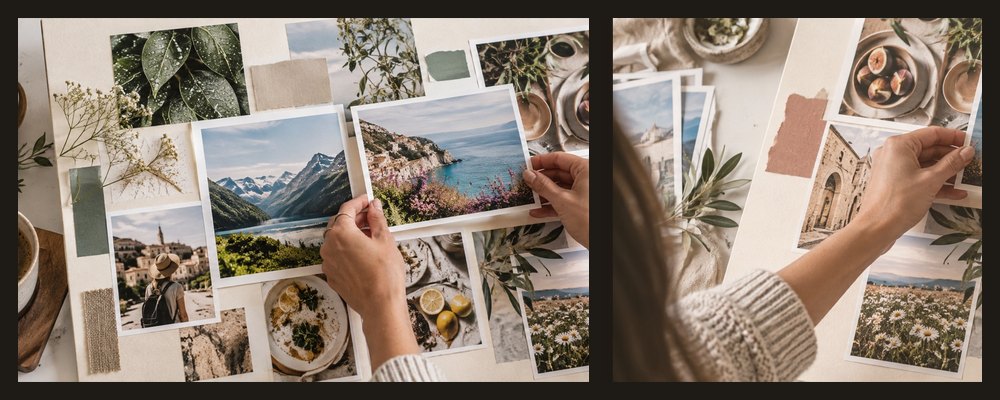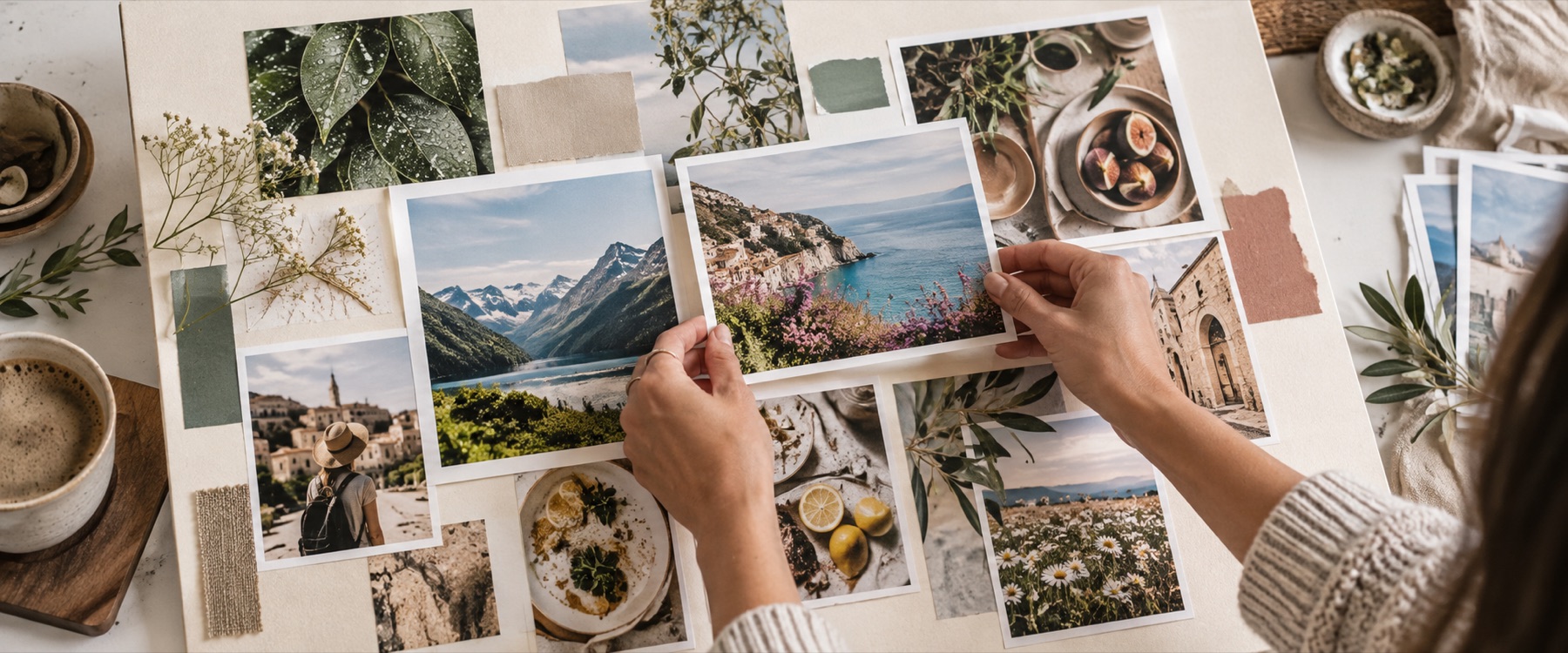


A picture in picture collage maker that opens at 1080 × 1350: the first photo fills the frame and the next ones sit on it as insets, with a border, rounded corners and a shadow drawn into the file.
A worked example: a portrait with two insets
What you can set
- How many. One to four insets.
- Where. In the corners, along the bottom, or down the right.
- How they look. Size, border width and colour, corner radius, shadow.
| Board | Inset long side |
|---|---|
| 1080 × 1350 (4:5) | 367 px |
| 1080 × 1080 (square) | 367 px |
| 1920 × 1080 (desktop) | 367 px |
When another mode is better
Two photos side by side instead: two photos in one frame. Frames and mats: collage photo frame.
Your photos never leave this device.
Insets are rectangles with rounded corners; circular insets are not offered yet.
Asked and answered
Which photo becomes the main one?
The first in the tray. Drag thumbnails with Alt and the arrow keys, or sort the tray, and press the layout button again.
Can I move an inset?
Yes. Every inset is an ordinary frame: drag it anywhere, scale it from a corner or turn it.
How big can the insets be?
From 15% to 50% of the board's short edge, measured on the inset's long side. Each inset keeps its photo's shape, between 3:4 and 4:3.
Can I swap the main photo?
Drag a photo from the tray onto the main frame and it replaces it, keeping the framing where the new shape allows.
Are my photos uploaded?
No. The collage is drawn and exported in this tab.