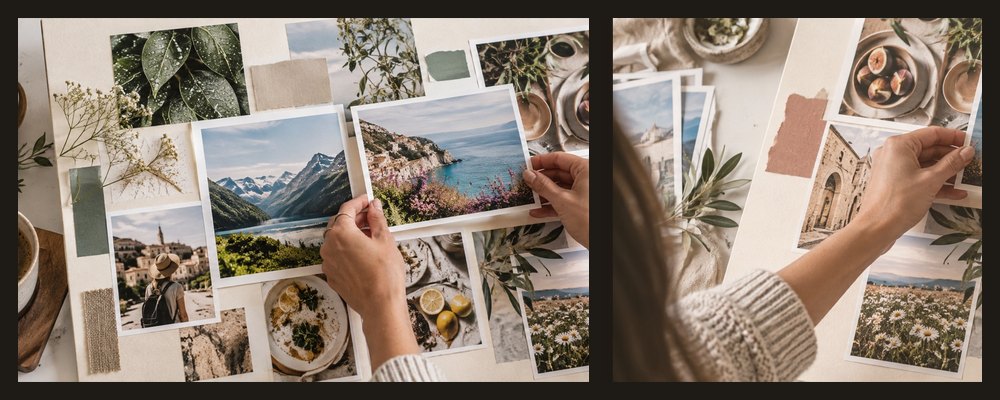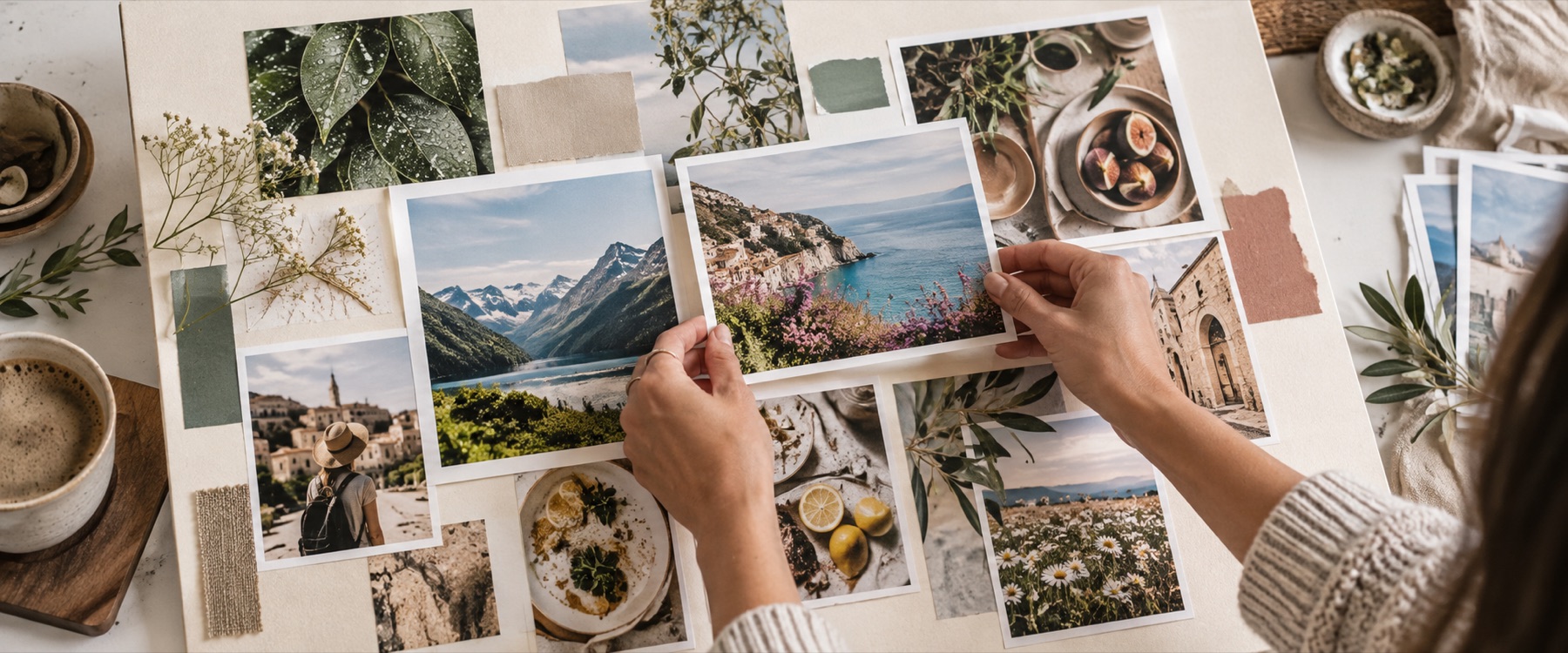

A birthday collage on a 12 × 12 in board: the age or name is drawn large, cut into a grid of cells, and each cell takes one of your photos in tray order. A “Happy birthday” heading sits above it and the date below, both as text you can change.
A worked example: how big each photo prints
| Cells across the short side | Each cell prints at |
|---|---|
| 10 | 0.78 in |
| 14 (the start) | 0.56 in |
| 20 | 0.39 in |
How the number is filled
- Drawn, then measured. The characters are drawn at an eighth of the board; a cell is kept when at least 45% of it is inside them.
- Your order. Cells fill left to right, top to bottom from the tray; sort the tray by date taken to run from oldest to newest.
- Ordinary frames. Every cell is a frame you can swap, reframe or delete.
When another mode is better
A heart rather than a number: heart photo collage. Photos with handwritten-style notes: polaroid collage.
Your photos never leave this device.
Thin strokes such as 1, I and l keep few cells; lower the threshold in Shape collage or use more cells across. Letters keep a stepped edge rather than a smooth outline.
Asked and answered
Can I use a name instead of a number?
Yes. Type up to six letters or digits — 18, 50, MOM, RIYA — and press Fill the number with photos. Letters are set in the site's bundled display face and stretched to fill the space.
How many photos do I need?
The panel counts the cells the shape kept against the photos you added. Fewer photos repeat in order; you can switch repeats off in Shape collage and leave the rest empty.
Can I change the heading and the date?
Yes. Both are typed in the Birthday panel and are ordinary text frames on the board: drag them, change the font or colour in Text, or delete them.
What size is it?
12 × 12 in at 300 DPI (3600 × 3600 px) to start, which prints well and is also fine for WhatsApp. Any other size is in the size list.
Are my photos uploaded?
No. The shape is drawn and filled in this tab.