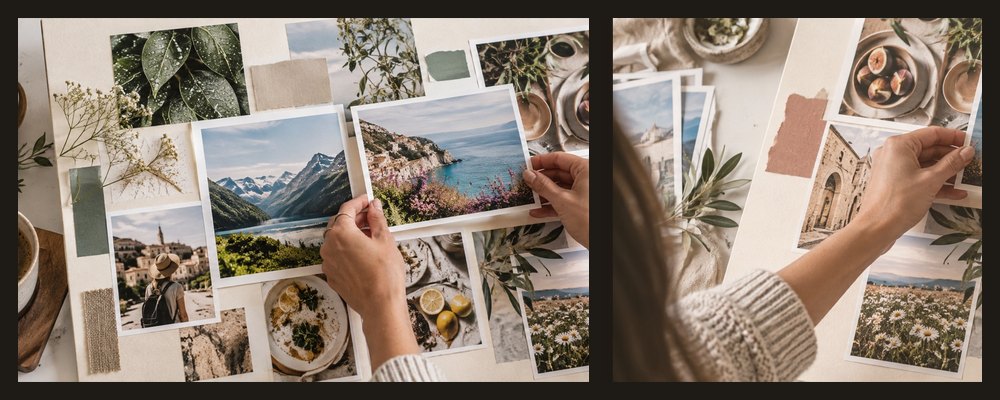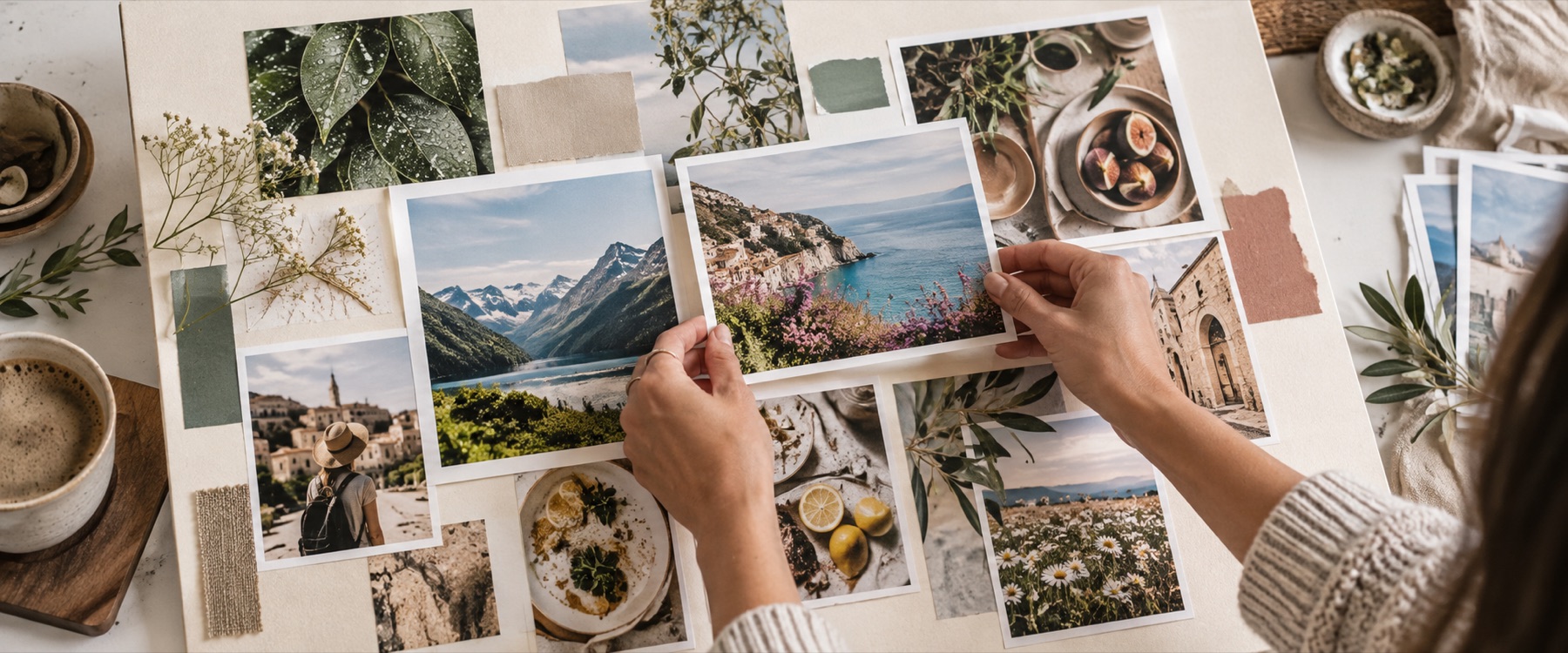
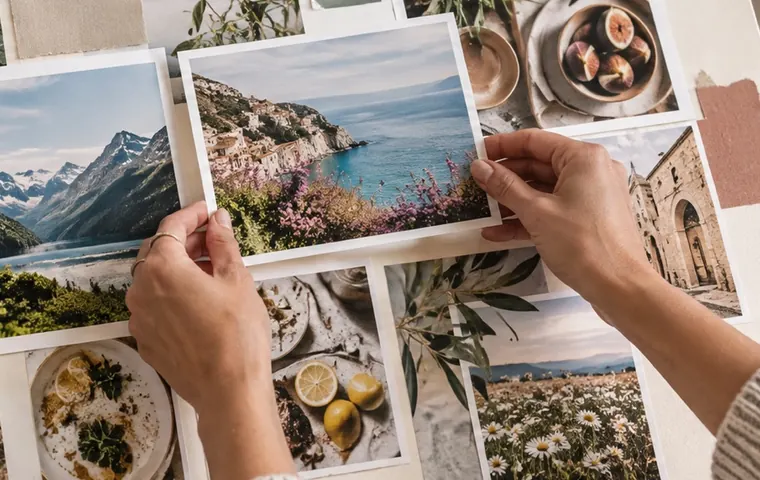
A collage with text opens on A4 with a heading band across the top and a caption field for every photo. The words are set in typefaces that ship with this site — a sans with Devanagari, a serif, a script and a display face — and drawn by the same routine that writes the file.
A worked example: four photos and a heading on A4
What you can set
- Heading band. Top or bottom of every page, its height in the board’s own unit; the cells make room for it.
- Captions. One line per cell, at the bottom left, centre or right, with an optional shade.
- Text frames. Any number, anywhere on the board, with weight, colour, alignment, line height, letter spacing, a band behind and an outline.
| Choice | Face | Covers |
|---|---|---|
| Sans | Hanken Grotesk + Noto Sans Devanagari | Latin, Devanagari |
| Serif | EB Garamond | Latin (Devanagari via the sans) |
| Script | Great Vibes | Latin |
| Display | Oswald | Latin |
When another mode is better
Handwritten-style notes under instant prints: polaroid collage. A birthday number or a name made of photos: heart and letter collages. Printing it large: photo collage print.
Your photos and your words stay on this device; nothing is uploaded to set them.
Scripts other than Latin and Devanagari are drawn with whatever fonts your device has, so they may differ between devices. Text is part of the picture in the export — a PDF from here has no selectable text layer yet.
Asked and answered
Can I write in Hindi?
Yes. Every typeface falls back to the bundled Noto Sans Devanagari for Devanagari letters, and the browser's own text engine joins them, so a heading or caption in Hindi is set correctly in the export. Other Indic scripts are not bundled and depend on the fonts your device has.
Where can the heading go?
In a band at the top or the bottom of every page. The band takes its height from the board, and the photo cells shrink to make room — nothing is drawn over a photo.
How do I put words on a photo?
Select the cell and type its caption. It sits at the bottom of the photo, left, centre or right, with a soft dark shade behind it so it reads on a bright picture. Turn the shade off if you prefer.
Will the words look the same in the file?
Yes. The words are drawn by the same canvas routine at screen size and at export size, with the same bundled fonts, which are loaded before the export starts. If a line is too long for its frame it is set smaller rather than allowed to run past the edge.
Can I move a text frame by hand?
On the free board, yes: a text frame drags, scales from a corner, turns and snaps like any photo, and its height sets the type size. On the grid, use Top, Middle and Bottom in the Text panel.