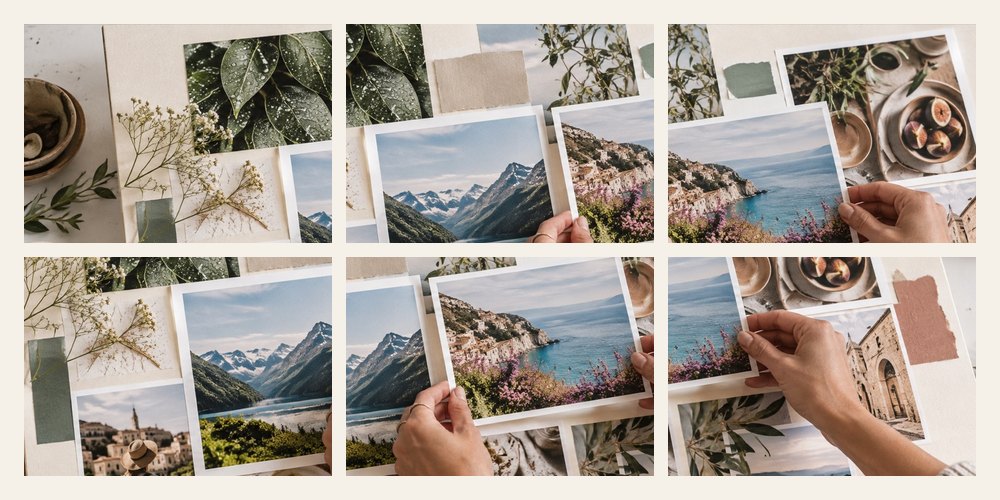


A gridmaker for Instagram that opens on a 3240 × 4050 board — nine 4:5 posts — fills it with a layout made for your photos, and exports the posts as one ZIP named in the order you post them. The cut lines and post numbers are drawn on the board while you work and never appear in the files.
A worked example: four photos across nine posts
Posting order
- Bottom right first. The newest post shows at the top left, so the tile there is posted last.
- File names carry the order. grid-post-01-of-09.jpg is posted first; sorting by name is the order.
- Faces and seams. If faces have been found on the board, any face crossing a cut is counted under the panel.
| Rows | 4:5 posts | Square posts |
|---|---|---|
| 1 (3 posts) | 3240 × 1350 | 3240 × 1080 |
| 2 (6 posts) | 3240 × 2700 | 3240 × 2160 |
| 3 (9 posts) | 3240 × 4050 | 3240 × 3240 |
When another mode is better
Separate slides rather than one picture: Instagram collage. A vertical story: story collage.
Your photos never leave this device; you post the files yourself.
The preview is a plain grid, not the app; profile cropping and gaps change from time to time. Posting stays manual — nothing here connects to an account.
Asked and answered
In what order do I post the tiles?
Post grid-post-01 first and the highest number last. A profile shows the newest post at the top left, so the first one you post is the bottom-right tile. The numbers drawn on the board match the file names.
Why does my profile show a gap or crop the tiles?
Profiles draw a thin gap between posts, and profile grids have shown posts cropped to 3:4 rather than the full 4:5. The preview lets you switch between 3:4, 4:5 and 1:1 to see what survives — check the app, as this changes.
What size is each post?
1080 × 1350 for 4:5 posts or 1080 × 1080 for square, so three rows of 4:5 is a 3240 × 4050 board. The board is resized when you change rows.
Can I make a carousel instead?
Yes. Choose Seamless carousel: the board becomes N × 1080 by 1350 and is cut into slides, so one wide picture scrolls across them.
Are my photos uploaded?
No. The collage is drawn and cut into posts in this tab; you upload the posts yourself.