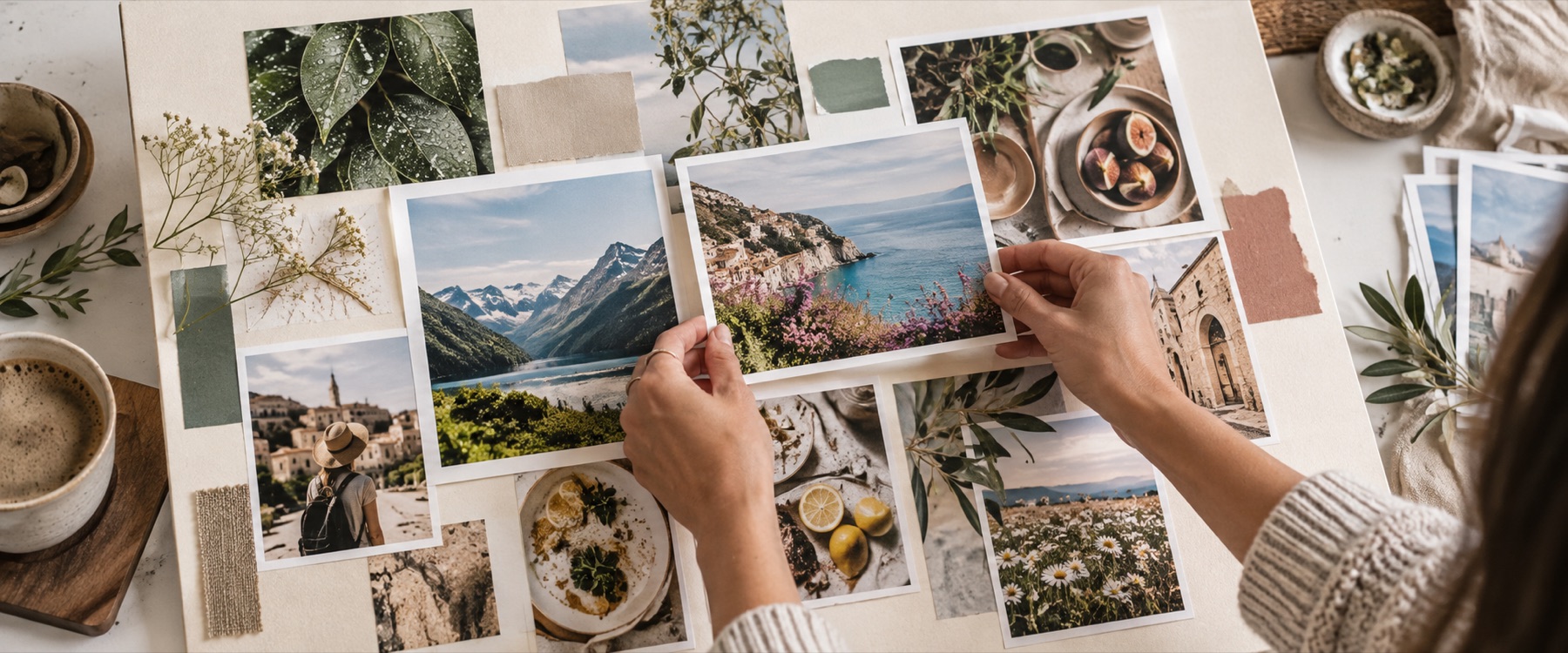
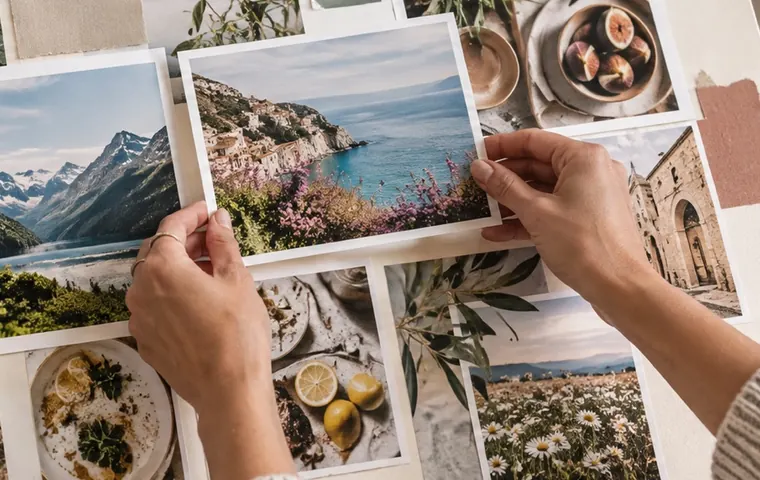

Photo collage print setup on a 12 × 18 inch board at 300 DPI by default. The board size panel opens with the paper sizes people actually print — including 4 × 6 in lab prints, A4 for school and chart paper — and the print size panel opens beside it, measuring every photo against the paper.
A worked example: pixels for each paper
The pixel count each paper size needs at its default DPI, and how large a 12-megapixel photo (4000 × 3000) can be on it before it drops below that resolution.
| Paper | DPI | Board pixels | 12 MP photo, largest sharp size |
|---|---|---|---|
| 4 × 6 in photo print | 300 | 1,200 × 1,800 | 13.3 × 10.0 in |
| 5 × 7 in photo print | 300 | 1,500 × 2,100 | 13.3 × 10.0 in |
| A5 — 14.8 × 21 cm | 300 | 1,748 × 2,480 | 13.3 × 10.0 in |
| A4 — 21 × 29.7 cm | 300 | 2,480 × 3,508 | 13.3 × 10.0 in |
| A3 — 29.7 × 42 cm | 300 | 3,508 × 4,961 | 13.3 × 10.0 in |
| 12 × 18 in poster | 300 | 3,600 × 5,400 | 13.3 × 10.0 in |
| 18 × 24 in | 300 | 5,400 × 7,200 | 13.3 × 10.0 in |
| Chart paper — 22 × 28 in | 200 | 4,400 × 5,600 | 20.0 × 15.0 in |
What the file carries
- The DPI. PNG and JPEG exports record the board’s DPI, so print software opens them at the paper size instead of at 72 DPI.
- The page size. A PDF export’s page is the paper: 12 × 18 inches for a 12 × 18 inch board.
- Colour. sRGB. The board does not convert to CMYK, and says so; CMYK photos are converted approximately on the way in and noted in the tray.
When another mode is better
Lots of photos, none cropped: the 100 photo collage. Numbered proofs for a client: the contact sheet maker. A tidy grid of cells instead of free placement: the photo grid maker. The long answer on DPI and what a print shop wants is in getting a board printed.
The poster is drawn and saved by this browser tab; no photograph is uploaded, and no print is ordered.
No bleed, safe-margin guide or downloadable print report yet, and no printer-margin setting for home inkjets. Very large boards may exceed what a browser can draw; the size panel says so as soon as the size is set, and offers a DPI that fits.
Asked and answered
What DPI should a poster be?
300 DPI for anything looked at from reading distance — A4, A3, a 12 × 18 inch poster. Large posters seen from across a room are fine at 200; that is why 24 × 36 in and chart paper open at 200 here. Changing the DPI keeps the paper size and changes the pixel count, which is how a print shop thinks about it.
Why does the file say 300 DPI now?
Because the export writes it. A browser's own encoder records no density, so print software opened every file at 72 DPI and a 12 × 18 inch poster appeared as 50 × 75 inches. PNG exports now carry a pHYs chunk and JPEG exports a JFIF density at the board's DPI, without re-encoding a pixel.
How do I know a photo is sharp enough at its size?
Open Print size under the board. It measures every frame against the pixels behind it and reports what each photo prints at, and Fit to 300 DPI lays the whole tray out at the largest size every photo can carry at that resolution.
What is bleed, and does this add it?
Bleed is a few millimetres of picture beyond the trim line, so a guillotine that is slightly off leaves no white edge. This board does not add bleed yet; ask the print shop whether they need it, and if so make the board 3 mm larger on every side and keep faces away from the edge.
Is chart paper really 22 × 28 inches?
It is a common Indian school chart size, but sizes vary by supplier — measure yours and type it into the Board size panel if it differs. The preset is labelled to check.
Is the PDF the right size for a print shop?
Yes: the PDF page is set to the paper size — a 12 × 18 inch board gives a 12 × 18 inch page — with the collage inside it as a JPEG at the board's full pixel count. Colours are sRGB; the board does not convert to CMYK.